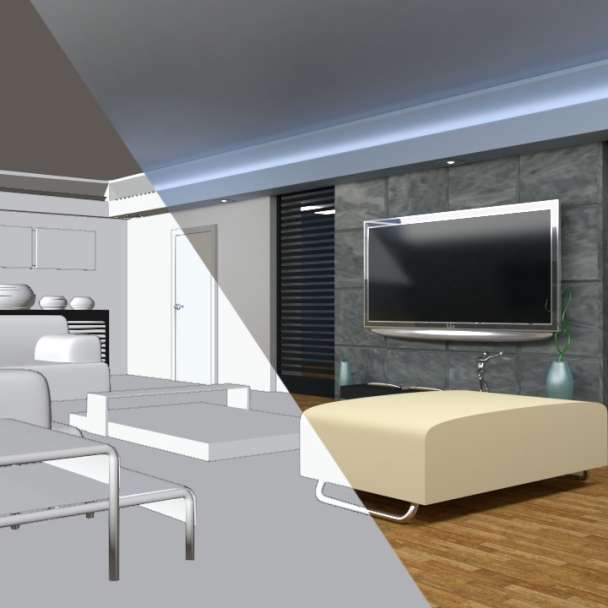
First, let's talk about editing pictures. There are several steps you might want to consider:
1. Cropping and Straightening: This helps to frame the subject of your photo better. You can remove unnecessary parts and focus on what's important.
2. Adjusting Brightness and Contrast: Brightness controls how light or dark your photo is, and contrast controls the difference between the darkest and lightest tones.
3. Color Correction: This can help your photo look more natural by adjusting the colors. You can play around with the temperature (warm or cool) and tint (green or magenta).
4. Sharpening: This can help to make your photo look clearer and more detailed.
5. Adding Filters or Effects: This is where you can really get creative and give your photo a unique look.
Now, let's move on to video editing. Here are some steps you might want to consider:
1. Trimming and Cutting: This allows you to remove parts of the video that you don't need.
2. Adding Transitions: Transitions can help to smoothly move from one clip to another.
3. Adding Text or Titles: This can help to provide context or additional information to your viewers.
4. Color Grading: Similar to color correction in photo editing, color grading in video editing can help to set the mood and style of your video.
5. Adding Music or Sound Effects: This can greatly enhance the viewing experience and help to convey the emotion or message of your video.